

Menu
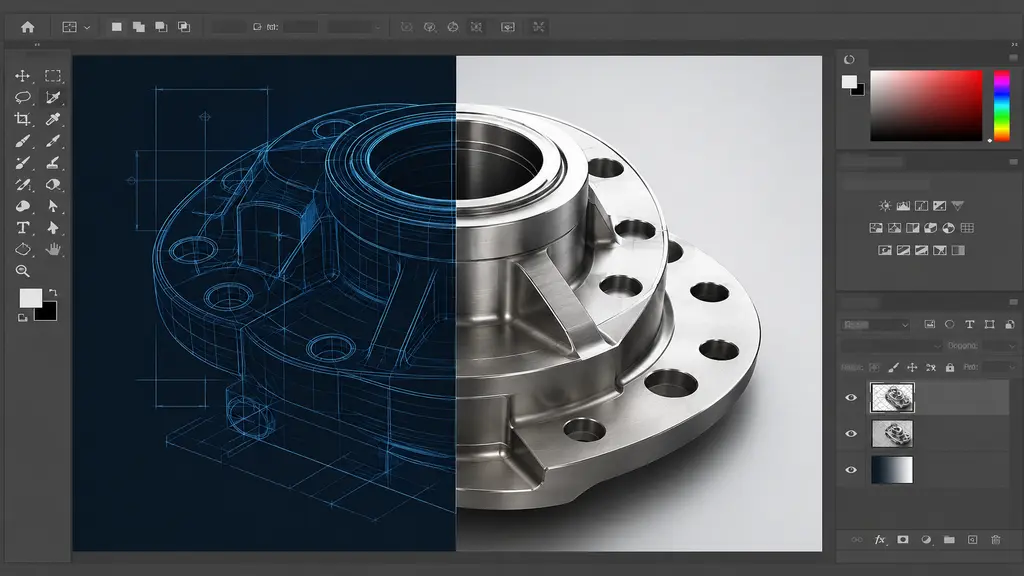
CAD File Conversion
In the world of technical design and engineering, using CAD files is part of everyday work. But what if your CAD drawings need to be improved, reused, or changed into a format that standard CAD software can’t handle? That’s where professional CAD file conversion with Photoshop tools comes in handy. At AutoCAD India, we help turn basic technical drawings into clean, ready-to-show visuals — giving your designs the clarity and accuracy they need. Whether you’re an architect, interior designer, mechanical engineer, or construction professional, converting CAD files with the right tools can really make a difference in how your work is shared with clients.
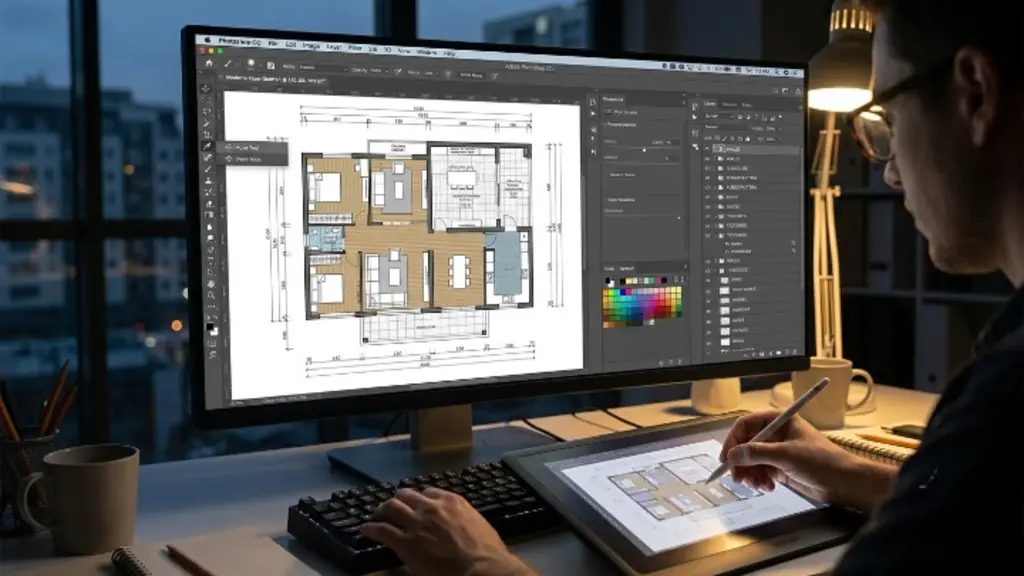
What Is CAD File Conversion Using Photoshop?
CAD file conversion using Photoshop involves taking existing CAD drawings, typically in formats such as DWG, DXF, or PDF, and converting them into high-quality raster or layered image files in Photoshop. This isn’t just changing the file type. It’s a full process to improve the look of the drawings. Technical drawings are cleaned up, colored in different ways, separated into layers, and optimized for screen display or high-quality printing. The process starts by bringing in CAD-generated PDFs or image files into Photoshop. Each part of the drawing, such as walls, measurements, notes, furniture, and textures, can be separated and improved on its own. The final result keeps all the technical details accurate while looking better for professional design presentations.
Why Convert CAD Files Using Photoshop?
Many professionals wonder why they should use Photoshop when their CAD software already exports to various formats. The answer lies in control, quality, and versatility.
Standard CAD exports often produce flat, monochrome, or poorly scaled outputs that are difficult for non-technical clients to interpret. Photoshop allows our team to apply custom color schemes, add material textures, adjust contrast and sharpness, and organize design elements into separate layers for easy editing. This results in a final file that is not only technically sound but also visually compelling.
For architects and interior designers, this means floor plans and elevation drawings that clients can immediately understand and appreciate. For mechanical engineers, it means component drawings that are color-coded and clearly labeled for manufacturing or presentation purposes. The ability to control every pixel of the output is what makes Photoshop an essential part of a professional CAD conversion workflow.
Our CAD File Conversion Services Include
At AutoCAD India, our Photoshop-based CAD file conversion service covers a wide range of project types and deliverables:
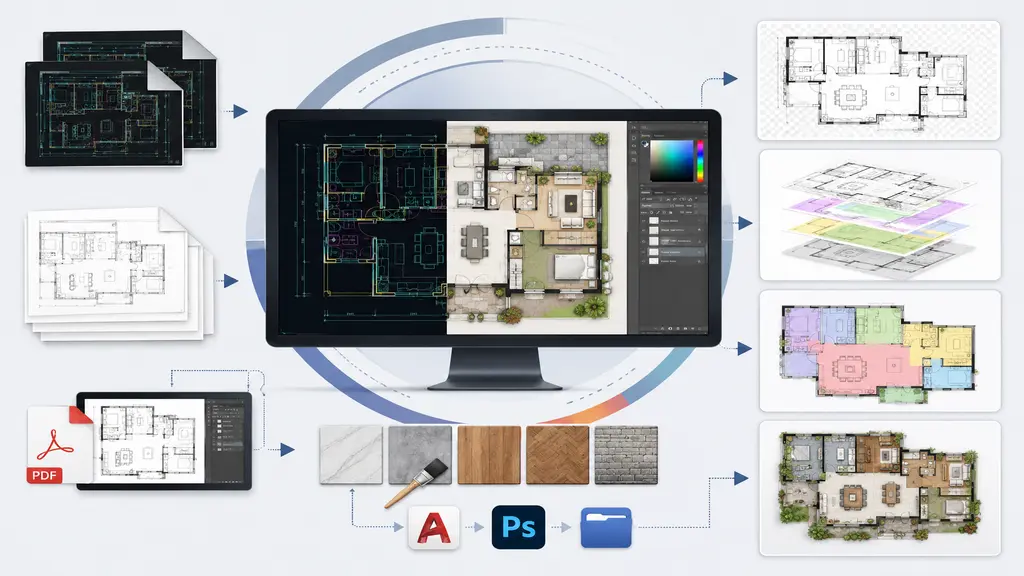
- DWG/DXF to High-Resolution Image Conversion — We convert your AutoCAD drawings into crisp, print-ready PNG, JPEG, or TIFF files with full control over resolution and scale.
- CAD to Layered PSD Files — Each design element is placed on its own Photoshop layer, making future edits simple and structured.
- Color-Coded Drawing Enhancement — We apply professional color schemes to differentiate rooms, zones, materials, or components within your drawings.
- PDF to Editable Photoshop Format — Scanned or exported CAD PDFs are reconstructed into fully editable Photoshop files.
- Texture and Material Overlay — Surface finishes, flooring patterns, wall textures, and other material representations are added to enhance realism and presentation quality.
How the Process Works
Our workflow is straightforward and client-focused. Share your CAD files in any standard format, and our team will begin by analyzing the drawing structure and understanding your project requirements. We then import the drawing into Photoshop and systematically work through each layer of the design, enhancing clarity, applying colors, and organizing elements.
Throughout the process, we maintain the original technical integrity of your drawing. Dimensions, annotations, and scale ratios are preserved so the enhanced version remains accurate and usable. Once the conversion is complete, we deliver the final files in your preferred format, ready for presentation, printing, or further editing.
We also accommodate revision requests because we understand that design is an iterative process. Our goal is to ensure the final output meets your exact expectations before the project is closed, so you receive a result aligned with your needs.
Who Can Benefit from This Service?
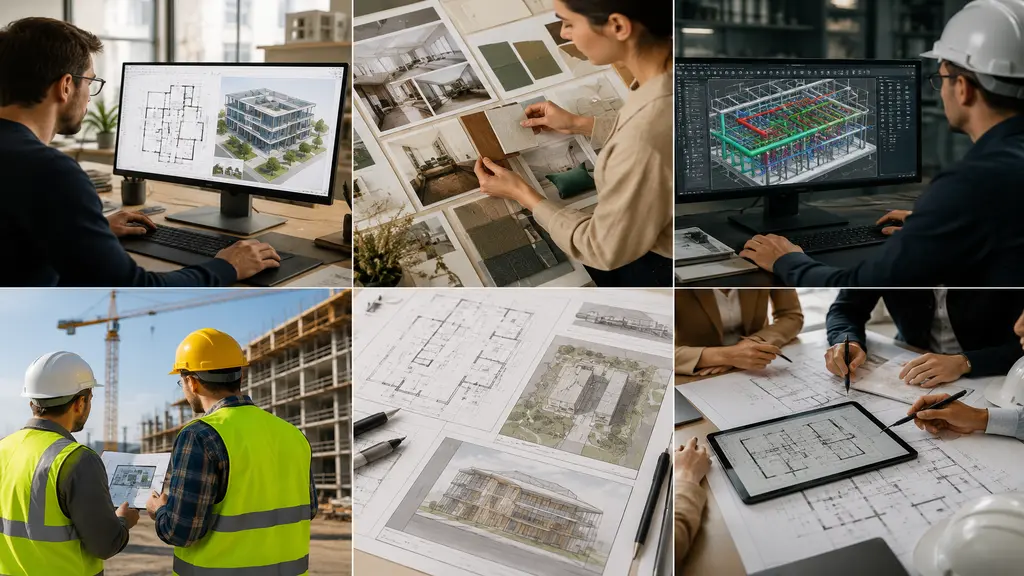
This service is made for a wide group of professionals. Architects and real estate developers use it to make presentation boards and client proposals. Interior designers use it to create mood boards and detailed space plans that mix technical accuracy with good looks. Structural and mechanical engineers use it to make color-coded drawings for manufacturing documents or to meet compliance requirements. Construction companies and project managers use better CAD visuals for site planning and for communicating with stakeholders. Anyone who works with CAD drawings and needs to present them in a clean, professional way will really benefit from this service.
Conclusion
CAD file conversion with Photoshop tools is more than just a technical process — it’s a way to improve your designs and turn simple drawings into strong visual tools. At AutoCAD India, we blend our CAD expertise with Photoshop skills to deliver results that are accurate, professional, and ready for presentation. If you want to improve the look of your CAD drawings and make a better impression on your clients, our conversion service is perfect for you. Contact us today and let us help bring your technical drawings to life.
Recent Posts
Recent Service
- Loading...
Recent Comments
Categories
- Loading...
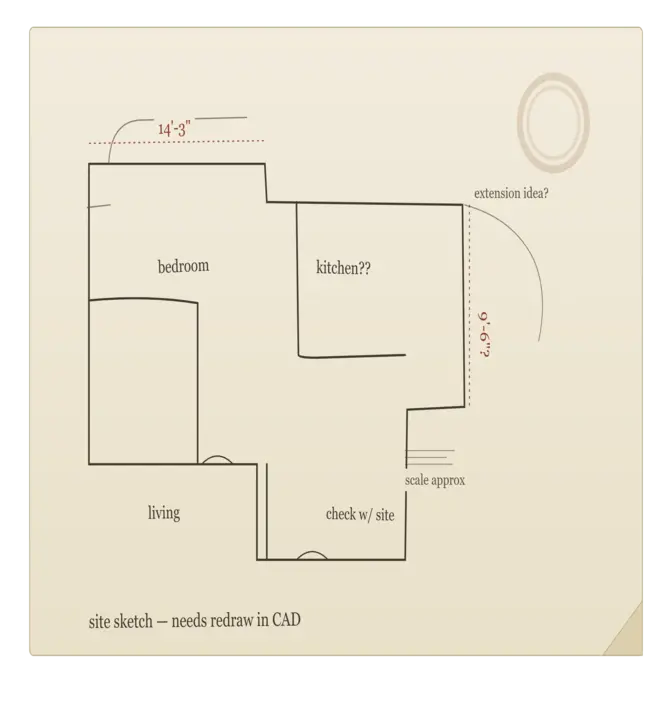
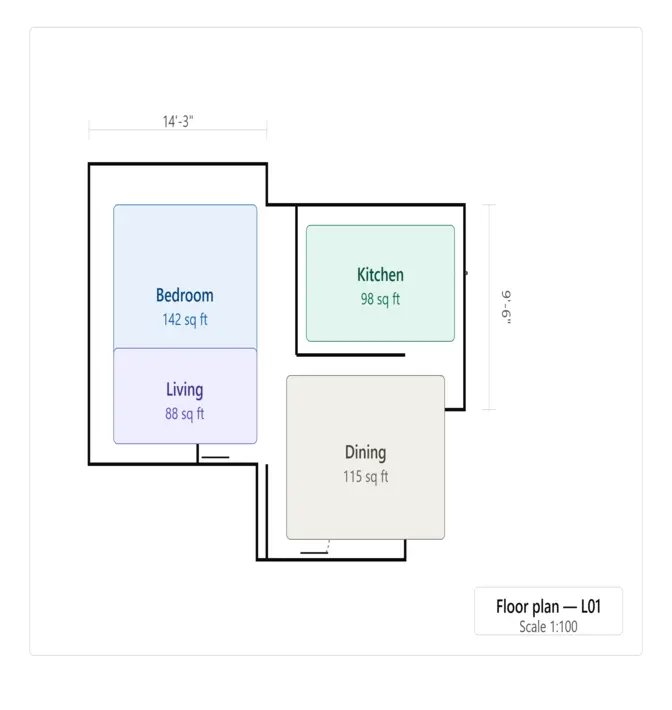
Professional CAD File Conversion Service
Professional CAD file conversion services ensure accurate transformation of drawings, sketches, PDFs, and images into fully editable CAD files while maintaining precision, quality, and industry standards.
CAD File Conversion
- Accurate conversion of PDF, JPG, PNG, and hand sketches into editable AutoCAD (DWG/DXF) files.
- Clean layer organization, proper scaling, and detailed drafting for professional-quality drawings.
- Fast, reliable conversion with quality checks to ensure precision and CAD-ready deliverables.
Customer strategy
A brand & CAD File Conversion agency
for ambitious modern businesses
We deliver accurate CAD file conversion services tailored for architects, engineers, and construction professionals. From PDF to AutoCAD and scanned drawings to editable DWG files, we ensure precision, clarity, and fast turnaround for every project.
Our service focuses on converting raster images, hand-drawn sketches, and legacy formats into clean, well-structured, and industry-standard CAD files. We specialize in restoring old drawings, correcting scale and layers, and preparing files that meet professional and client requirements. With attention to detail and reliability, we help bring your concepts into accurate technical reality.
GET STARTED NOW !Frequently Asked Questions
We accept all standard CAD formats including DWG, DXF, and PDF. You can also send us scanned drawings or low-quality image files — we will handle the rest.
Yes, absolutely. We preserve all dimensions, annotations, and scale ratios throughout the Photoshop conversion process. Only the visual quality is enhanced — the technical data remains fully intact.
Turnaround time depends on the complexity and number of drawings. Most standard projects are completed within 24 to 48 hours. For larger or more detailed projects, we will provide a clear timeline upfront.
We deliver in your preferred format — PNG, JPEG, TIFF, or layered PSD. If you need a specific resolution or file size for printing or digital use, just let us know and we will customize the output accordingly.
Got Questions?
Frequently Asked Questions
What file formats can you convert my CAD drawings into?
We can convert your DWG, DXF, or PDF drawings into high-resolution PNG, JPEG, or TIFF images, as well as fully layered PSD files for easy future editing. We can also match any specific format your project or client requires.
Will the technical accuracy of my drawing be affected during conversion?
No. Throughout the entire Photoshop-based process, we preserve all dimensions, annotations, and scale ratios exactly as they appear in your original CAD file. Only the visual presentation is enhanced — the technical integrity remains fully intact.
Can you add colors, textures, or materials to my existing CAD drawings?
Yes. We offer color-coded enhancement to differentiate rooms, zones, or components, along with texture and material overlays such as flooring patterns and wall finishes, giving your drawings a more realistic and presentation-ready appearance.
How long does a typical CAD file conversion project take?
Turnaround time depends on the complexity and size of the drawing, as well as the number of layers or enhancements requested. Simple conversions can be completed quickly, while detailed, multi-layered projects may take longer. We’re happy to provide a timeline once we review your files.
Loading...