

Menu
Revit vs AutoCAD: Which Design Tool Delivers More Value?
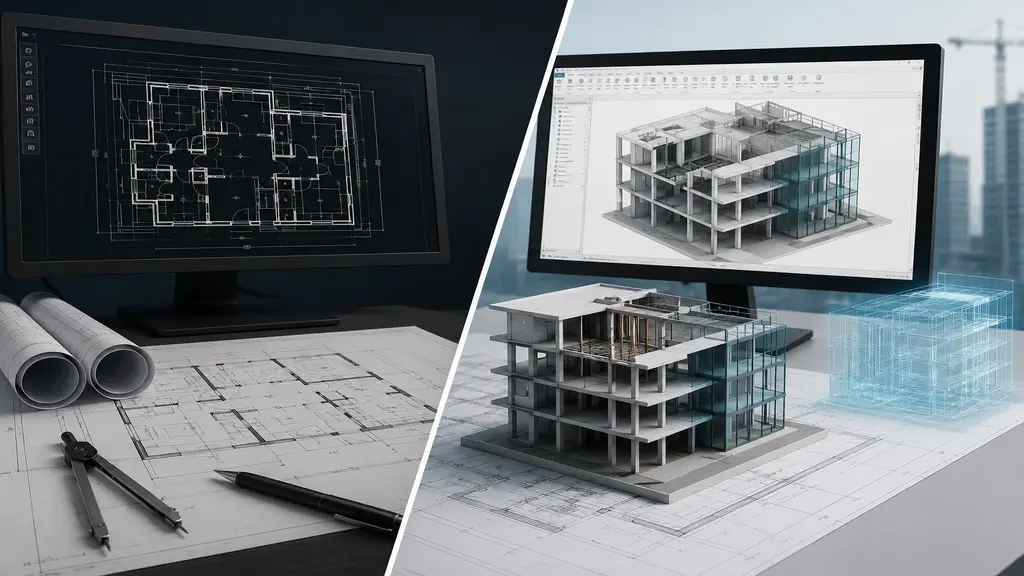
Two software names dominate the design and drafting world. They are Revit and AutoCAD. Both are made by Autodesk. But they serve very different purposes. Choosing the wrong tool can slow down your workflow. It can also increase costs. And it can limit your career opportunities. This article gives you a clear, honest comparison of both tools. By the end, you will know exactly which software fits your needs. You will also understand why AutoCAD remains the smarter choice for most design professionals.
What Is AutoCAD?
Autodesk developed AutoCAD in 1982. It is a computer-aided design (CAD) software. AutoCAD stands as one of the world’s oldest and most trusted design tools. Architects, engineers, interior designers, civil drafters, and mechanical professionals use it daily.
The software lets users create highly accurate 2D drawings and 3D models. AutoCAD works across numerous industries. It also supports a wide range of file formats. Its native file format, DWG, is accepted by clients, contractors, and government agencies around the world.
AutoCAD also offers specialized toolsets for different industries. These include AutoCAD Architecture, AutoCAD Mechanical, AutoCAD Electrical, and AutoCAD Civil 3D. This adaptability makes AutoCAD a genuinely universal design tool.
What Is Revit?
Revit is also developed by Autodesk. It is building information modeling (BIM) software. Autodesk built it specifically for architectural, structural, and MEP (Mechanical, Electrical, and Plumbing) workflows. Revit lets teams create intelligent 3D models. These models include embedded project data.
Unlike AutoCAD, Revit is designed for large project teams. Architects, structural engineers, and MEP consultants can all work together within a single shared model. This makes Revit valuable for large-scale commercial or government construction projects. These projects often require BIM compliance.
However, Revit is built solely for building design. It is not meant for mechanical engineers, civil drafters, product designers, or electrical schematic professionals. Outside the BIM environment, Revit offers very limited utility.
Revit Architecture vs AutoCAD: A Direct Comparison
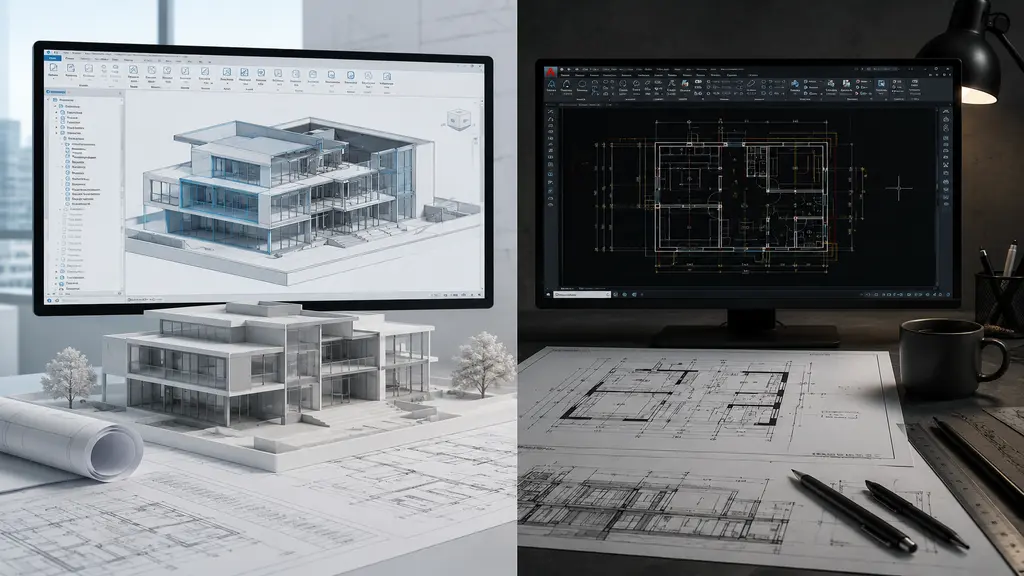
The differences between Revit architecture and AutoCAD become clear once you compare the two. Revit performs best within a large, team-oriented BIM environment. AutoCAD, on the other hand, works for every professional, on every project, at every scale.
AutoCAD gives architects complete control over every line, dimension, and annotation. You are not bound by parametric constraints that dictate a specific way of working. Instead, you create exactly what you need, in the exact form you require. Experienced professionals consistently value this freedom.
Revit works differently. It requires users to operate within its parametric modelling framework. Every component must follow the BIM model’s rules. As a result, daily drafting, detailed drawing, and client presentation tasks can slow down significantly. For most architects, especially those focused on residential, commercial, or mid-scale projects, AutoCAD offers a faster, cleaner, and more practical solution than Revit.
Ease of Use and Learning Curve
AutoCAD is known for its clean and logical interface. Most professionals become productive within a few weeks of learning. The command-line system and drawing environment stay intuitive and consistent across all versions.
Revit, however, has one of the steepest learning curves in the AEC software industry. Its parametric modeling system, family content library, view management, and worksharing setup all demand extensive training. In fact, many professionals need several months before they feel confident working independently in Revit.
For small firms, solo drafters, or freelancers, this training cost becomes a real obstacle. AutoCAD, by contrast, lets you start working right away without extensive training or team support.

Flexibility Across Industries
This is where AutoCAD truly stands apart from Revit. AutoCAD is not limited to architecture. Instead, it serves professionals across dozens of industries:
Mechanical and Manufacturing: AutoCAD handles machine part drawings, product design documentation, and assembly diagrams with ease.
Civil and Infrastructure: Road layouts, site plans, utility networks, and topographic surveys all come together efficiently in AutoCAD.
Electrical and MEP: Schematic diagrams, wiring layouts, and electrical panel drawings rely heavily on AutoCAD and its specialized toolsets.
Revit, by comparison, stays largely confined to building design. So if your projects ever extend beyond architecture or structural work, Revit simply cannot help you. AutoCAD, however, stays relevant no matter which direction your career takes.
File Compatibility and Industry Acceptance
The DWG file format is native to AutoCAD. It is also the most widely accepted drawing format in the world. Clients, contractors, engineers, municipalities, and government agencies all request and accept DWG files. So when you work in AutoCAD, you speak the universal language of the design industry. Revit’s native RVT format is powerful inside a BIM environment. But it is not universally accepted. If you need to share Revit files with parties who don’t use the software, you must export to IFC, DWG, or PDF formats. And in that process, much of the BIM intelligence gets lost. This creates extra steps, potential data errors, and compatibility problems that AutoCAD users never face. For professionals working with international clients or diverse project teams, AutoCAD’s file compatibility becomes a major competitive advantage.
Cost and Accessibility
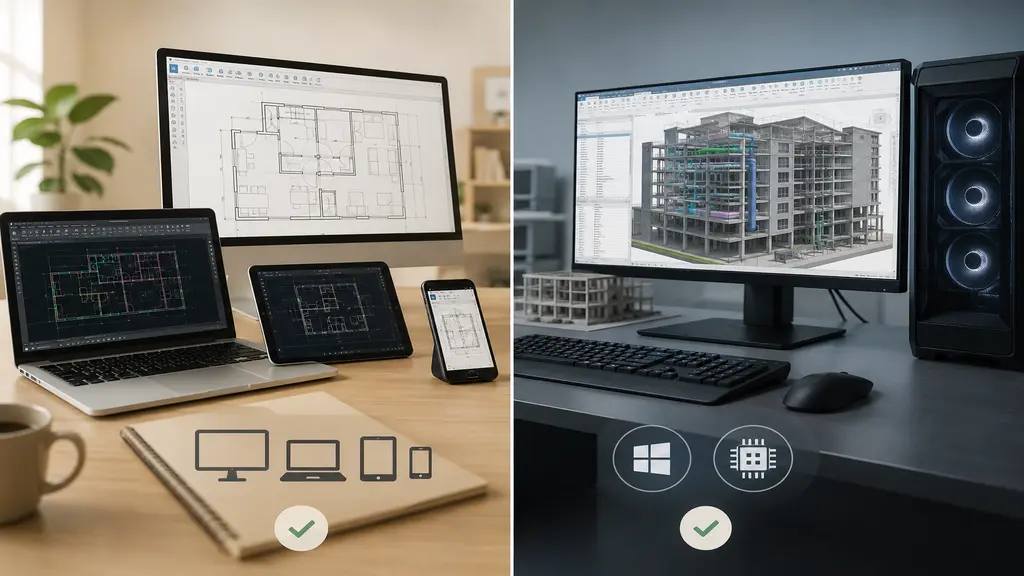
Both AutoCAD and Revit are available through Autodesk subscriptions. However, the practical cost difference goes beyond the monthly fee. Revit needs a high-performance Windows PC to run smoothly, especially on large BIM projects. AutoCAD, on the other hand, runs comfortably on standard hardware. It is also available on Windows, Mac, web browser, and mobile devices.
For individual professionals, small firms, or businesses in growing markets like India and Bangladesh, AutoCAD offers a far more cost-effective solution. You don’t need expensive hardware, a large team, or a BIM-specific project setup to get full value from AutoCAD. It works equally well for solo drafters, mid-sized firms, and large enterprises.
When Revit Makes Sense — And When AutoCAD Is the Better Choice
Revit does have a legitimate place in the industry. Large commercial projects, hospitals, airports, and government infrastructure projects often require full BIM coordination. These projects genuinely benefit from Revit’s capabilities. In these cases, Revit’s clash detection, lifecycle data management, and multi-discipline collaboration tools add real value.
However, for the vast majority of design professionals, AutoCAD remains the better choice. Architects working on residential and mid-scale commercial projects get more daily value from AutoCAD. So do MEP engineers producing system drawings, civil drafters, mechanical designers, and CAD service providers. Revit’s benefits only fully appear in very specific, large-scale project environments. AutoCAD, meanwhile, delivers real value on every project, every single day.

AutoCAD Keeps Getting Better
AutoCAD is not an old, outdated tool. Autodesk continues to invest heavily in improving it each year. Newer versions bring useful features like smart blocks, tools for comparing xrefs, improved markup import, counting tools, and better ways to collaborate online.
AutoCAD also connects with Autodesk Construction Cloud. This makes it easier to manage drawings in the cloud and work with teams in real time. Its specialized tools keep improving too, with features tailored to different industries. So AutoCAD isn’t just matching today’s design needs. It’s setting the standard.
Conclusion
The Revit vs AutoCAD debate isn’t about which tool is more technically advanced. Instead, it’s about which tool fits your work, your team, and your goals. Revit offers strong BIM capabilities for large, complex, multi-discipline building projects. But it comes with a steep learning curve, high hardware requirements, limited file compatibility, and a narrow industry application. AutoCAD, on the other hand, delivers precision, flexibility, and universal compatibility across every industry and project type. Whether you’re evaluating Revit architecture vs AutoCAD from a workflow perspective or a business investment standpoint, AutoCAD provides a broader return on investment for most professionals. If you need professional CAD drafting services delivered with precision and speed, our team at AutoCADIndia is ready to help. We specialize in accurate, industry-ready drawings that meet your exact project requirements.
Recent Posts


Recent Service
- Loading...
Recent Comments
Categories
- Loading...
FAQ's
Frequently Asked Questions

Is AutoCAD better than Revit for beginners?
Yes, AutoCAD is often considered the better choice for beginners because of its straightforward interface and strong focus on 2D drafting. It is widely used across architecture, engineering, and construction industries, making it an essential skill for students and professionals. Learning AutoCAD first also provides a solid foundation before transitioning to BIM software like Revit.
Why is AutoCAD still important when Revit is available?
Despite the growing popularity of BIM, AutoCAD remains highly important because it offers unmatched flexibility for 2D drafting, detailing, and CAD documentation. Many companies still rely on AutoCAD for renovation projects, manufacturing drawings, civil engineering plans, and projects that don’t require full BIM workflows. Its widespread adoption ensures strong job opportunities and compatibility with clients worldwide.
Which software offers better career opportunities: Revit or AutoCAD?
Both tools have strong career value, but AutoCAD provides broader opportunities because it is used in multiple industries, including architecture, mechanical engineering, electrical design, civil engineering, and interior design. Revit is mainly focused on BIM-based building projects, while AutoCAD remains a universal design tool that employers frequently require.
Should I learn AutoCAD before Revit?
Yes. Most professionals recommend learning AutoCAD before Revit because it helps you understand drafting standards, technical drawings, layers, dimensions, and CAD workflows. Once you have a strong AutoCAD foundation, learning Revit and BIM concepts becomes much easier, making you a more versatile design professional.
Loading...