
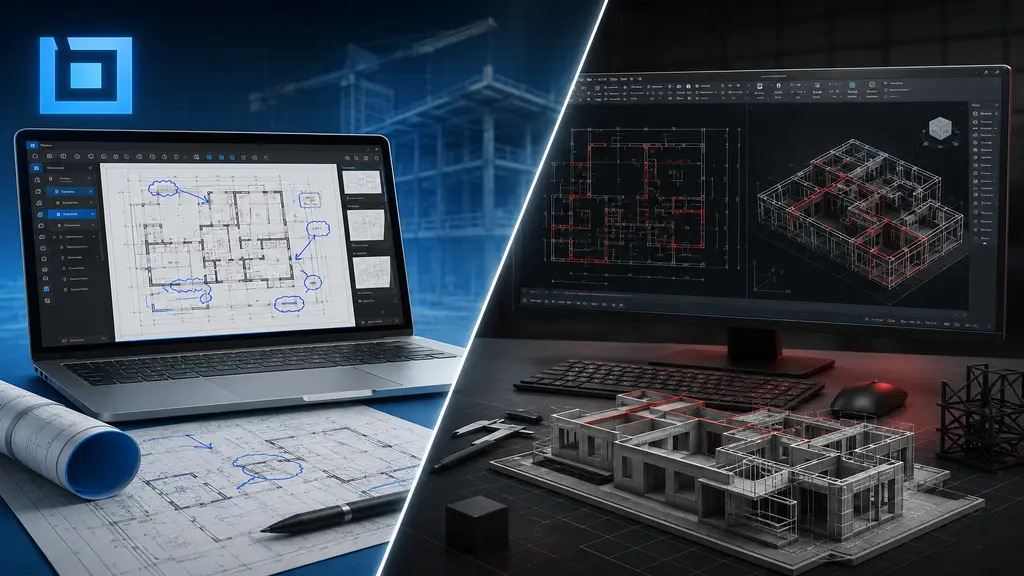
Bluebeam Revu vs AutoCAD: The Better Choice for 2D & 3D Design
In the modern architecture, engineering, and construction (AEC) sector, precision and efficiency are vital for the successful execution of projects. Professionals depend on specialized software to generate precise designs, optimize workflows, and enhance team collaboration. Among the numerous tools at hand, AutoCAD and Bluebeam Revu stand out as two of the most widely recognized. Although both platforms facilitate construction and design processes, they serve distinctly different purposes. AutoCAD is a comprehensive drafting and design solution specifically engineered for producing detailed technical drawings and 3D models. In contrast, Bluebeam Revu is mainly intended for PDF annotation, document review, and project collaboration. When evaluating Bluebeam Revu against AutoCAD for 2D and 3D drafting, the primary question is which tool offers superior design capabilities and long-term value for professional projects. For the majority of architects, engineers, and drafting service providers, AutoCAD stands out as the top choice because of its superior drafting accuracy, sophisticated modeling capabilities, and universal industry recognition.
Understanding the Core Difference Between AutoCAD and Bluebeam Revu
Before comparing features, it is crucial to recognize that AutoCAD and Bluebeam Revu were designed with distinct objectives. AutoCAD is a professional computer-aided design (CAD) platform developed specifically for drafting, modeling, and technical design. It allows users to generate everything from basic floor plans to intricate engineering drawings and 3D models.
Bluebeam Revu is primarily focused on document management. It enables users to review drawings, add comments, take measurements, and collaborate via PDF files. Although these functions are useful for project coordination, they cannot substitute for the drafting and design skills that professionals need. This distinction explains why many organizations adopt Bluebeam Revu as a supplementary tool while depending on AutoCAD as their primary design software.
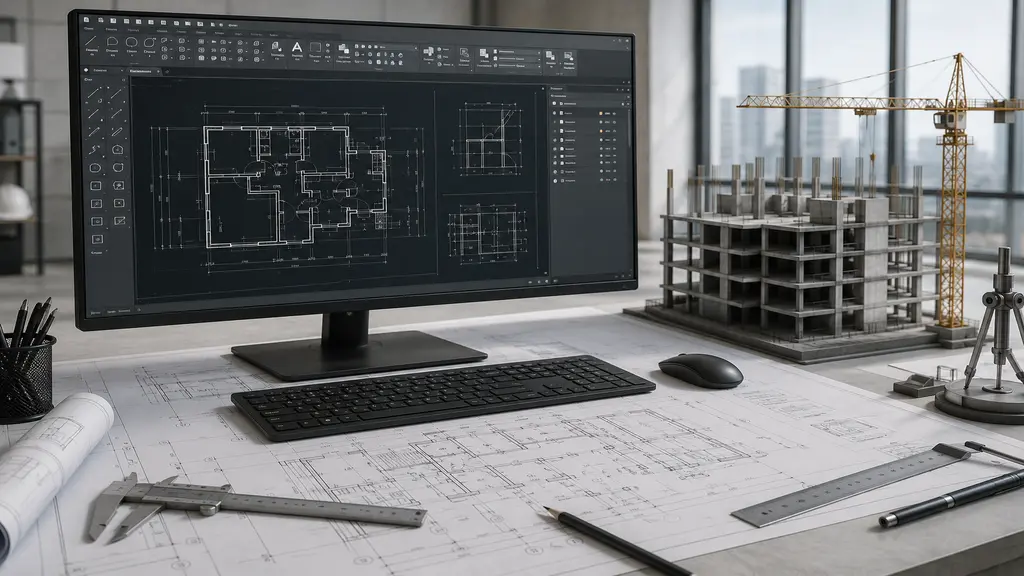
Why AutoCAD Dominates 2D Drafting Projects
One of AutoCAD’s most significant benefits is its industry-leading 2D drafting environment. For decades, engineers, architects, and construction professionals have relied on AutoCAD to generate precise technical drawings that adhere to rigorous industry standards.
Precision and Accuracy: AutoCAD enables users to produce highly detailed drawings that feature precise measurements, dimensions, annotations, and layer management. Such precision is vital for construction documentation, manufacturing plans, and engineering projects, as even minor errors can result in substantial costs.
Extensive Drafting Tools: In contrast to Bluebeam Revu, AutoCAD offers a comprehensive suite of drafting tools tailored specifically for professional design tasks. These tools include:
- Layer management systems that help organize complex drawings.
- Dynamic blocks that improve drafting efficiency.
- Advanced dimensioning and annotation features.
- Customizable templates for industry-specific projects.
These features enable designers to work more efficiently while ensuring consistency across large-scale projects.
Industry Acceptance: Another key factor in AutoCAD’s enduring popularity is its broad acceptance across various industries. The majority of architectural firms, engineering companies, and construction organizations incorporate AutoCAD-compatible files as a standard component of their workflows. This greatly simplifies project sharing and collaboration.
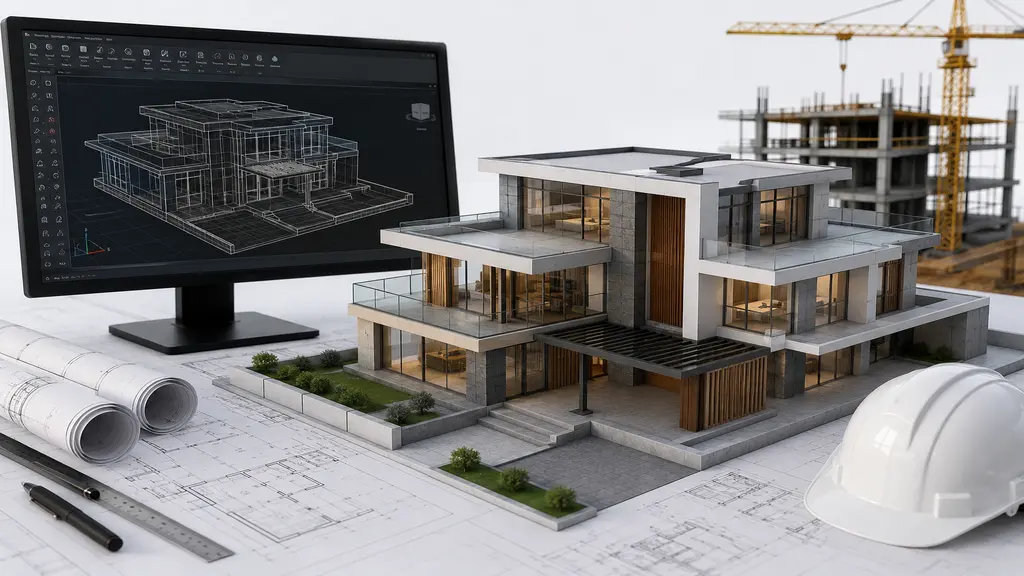
The Power of 3D AutoCAD Drafting
Modern projects often require three-dimensional visualization to support planning and avoid mistakes. In this area, AutoCAD is much better than Bluebeam Revu.
Advanced 3D Modeling Capabilities: AutoCAD has professional tools for making:
- Solid models
- Surface models
- Mesh models
These tools let designers turn ideas into realistic visuals before construction starts. Using 3D AutoCAD drafting helps teams identify design problems early, understand how spaces work together, and make informed decisions during planning.
Better Design Visualization: Clients sometimes struggle to understand traditional 2D drawings. AutoCAD’s 3D abilities help by showing realistic views that are easier to grasp. This makes it easier to discuss ideas, secure approvals faster, and avoid many changes during the project.
Enhanced Project Efficiency: By spotting problems before construction begins, AutoCAD helps prevent expensive redesigns and delays. This efficiency makes it a great choice for companies focused on quality and long-term success.
Where Bluebeam Revu Adds Value
Even though AutoCAD is better for drafting, Bluebeam Revu has useful features in certain situations. It’s good for reviewing documents and working with teams. People can add notes to PDFs, track changes, and share feedback quickly.
For example, contractors and managers often use Bluebeam Revu to check designs after they are made in AutoCAD. This helps with teamwork without changing the original files. However, it’s important to know that these tools work along with AutoCAD, not instead of it. The actual drafting and modeling still need to be done with a professional CAD system.
Why Professional Firms Continue to Choose AutoCAD
When choosing between Bluebeam Revu and AutoCAD for 2D or 3D drafting, most professional firms choose AutoCAD for its design strengths. AutoCAD has several benefits that keep it the industry standard:
- Tools that work for both simple and complex projects—giving architects, engineers, and designers flexibility across many industries.
- Strong 3D modeling features that improve how ideas are shown and how projects are planned. Companies can develop detailed models that improve communication and reduce errors.
- Global recognition that ensures compatibility with clients, consultants, and partners.
This standardization helps with teamwork and sharing files. These benefits make AutoCAD a long-term solution for businesses that rely on accurate technical drawings and professional design documents.
Professional AutoCAD Drafting Services from AutocadIndia
While AutoCAD provides exceptional capabilities, achieving the best results often requires experienced drafting professionals. At AutocadIndia, we offer top-quality 2D drafting and 3D AutoCAD drafting services for clients in architecture, engineering, construction, and manufacturing. Our team focuses on accuracy, speed, and adherence to industry standards to ensure every project meets the client’s expectations.
Whether you need architectural floor plans, construction drawings, engineering documents, CAD file conversions, or detailed 3D models, AutocadIndia provides reliable solutions that match your specific project needs. By using our industry experience and cutting-edge AutoCAD technology, we help businesses make their design processes more efficient and achieve better project results.
Conclusion
When comparing Bluebeam Revu and AutoCAD for 2D and 3D drafting, it’s clear they serve different roles. Bluebeam Revu is a great tool for reviewing documents, taking notes, and collaborating with teams, but it wasn’t designed to replace drafting software. AutoCAD still leads because of its precise 2D drafting, powerful 3D modeling, and its widespread use by design professionals around the world. For companies that need accurate technical drawings, smooth workflows, and top-notch design solutions, AutoCAD is the best option. If your business needs dependable CAD drafting and modeling services, AutocadIndia is here to help turn your ideas into accurate, high-quality designs that support successful project completion.

Find the AutoCAD Help You Need
Recent Posts


Recent Service
- Loading...
Recent Comments
Categories
- Loading...
FAQ's
Frequently Asked Questions

Yes, AutoCAD is specifically designed for professional 2D drafting and offers advanced drawing, dimensioning, annotation, and layer management tools. While Bluebeam Revu can review and mark up drawings, it does not provide the same level of drafting functionality as AutoCAD.
No, Bluebeam Revu is not a dedicated 3D modeling software. AutoCAD provides comprehensive 3D drafting and modeling tools that allow users to create, edit, and visualize complex designs, whereas Bluebeam Revu focuses mainly on document review and collaboration.
Architects and engineers prefer AutoCAD because of its precision, industry-standard file compatibility, advanced drafting tools, and powerful 3D design capabilities. It supports a wide range of projects, from architectural floor plans to detailed engineering drawings.
Many professionals use both tools together. AutoCAD is used for creating and editing 2D and 3D designs, while Bluebeam Revu is used for reviewing, marking up, and collaborating on project documents. This combination can help improve overall project efficiency.
Loading...