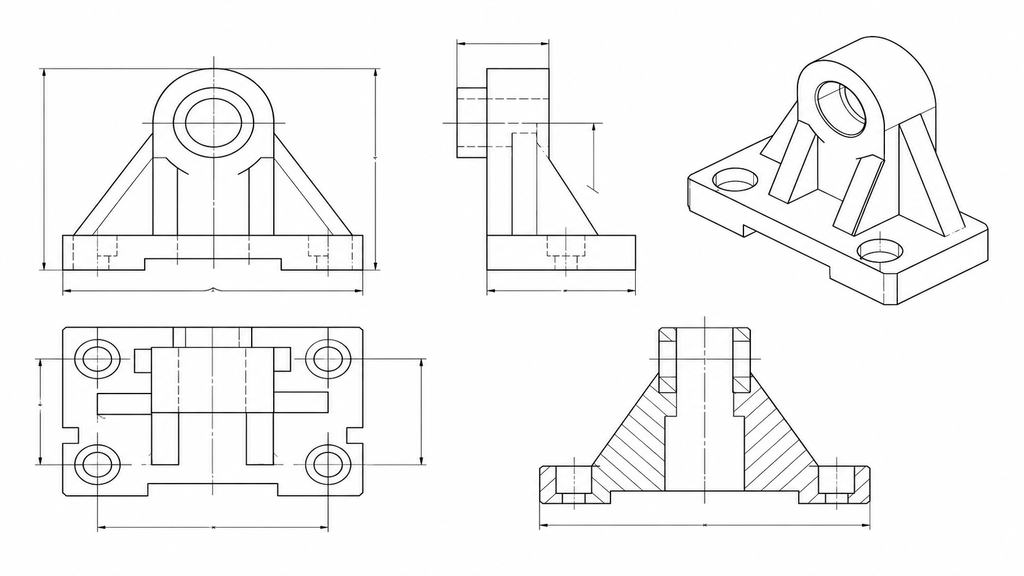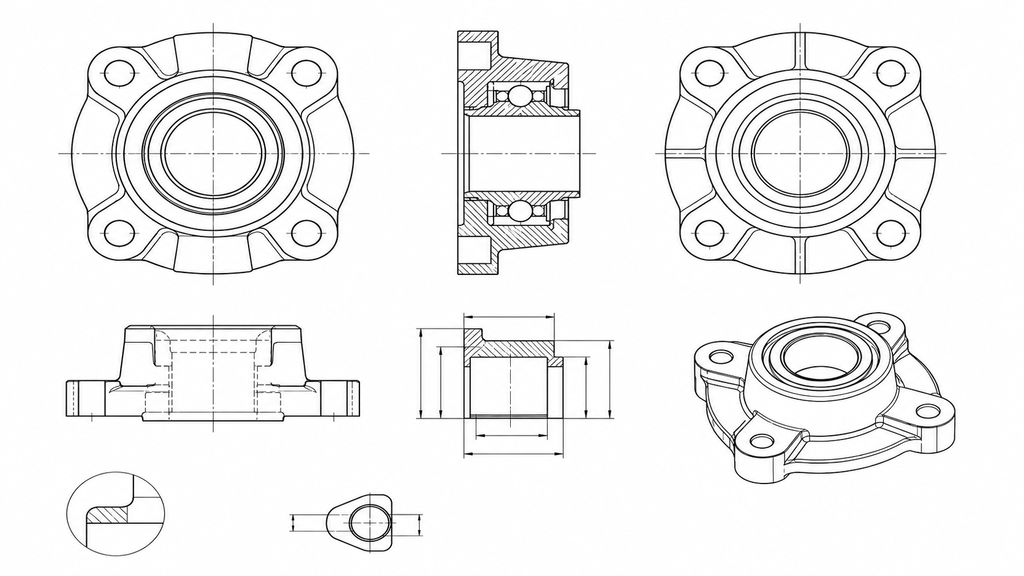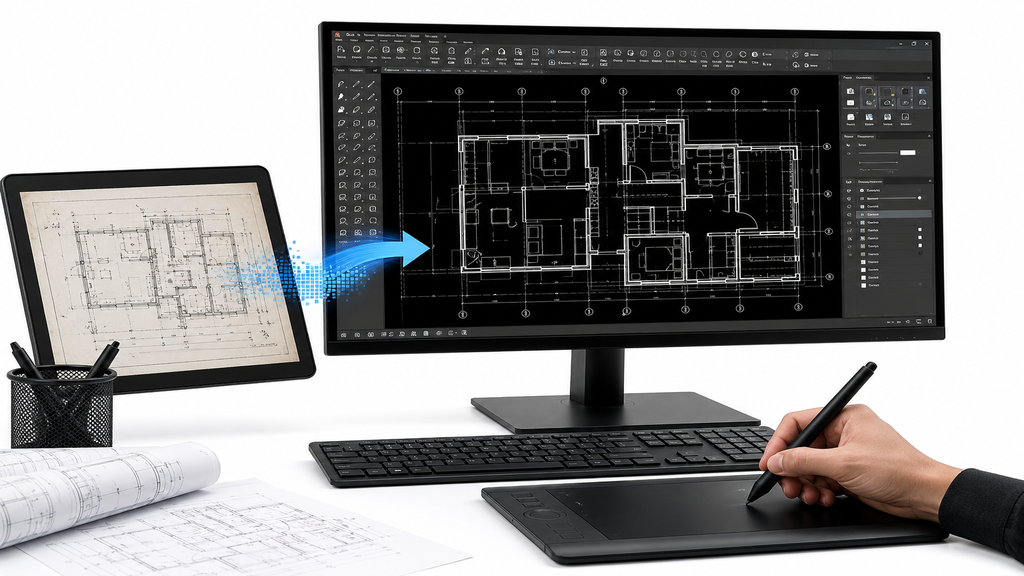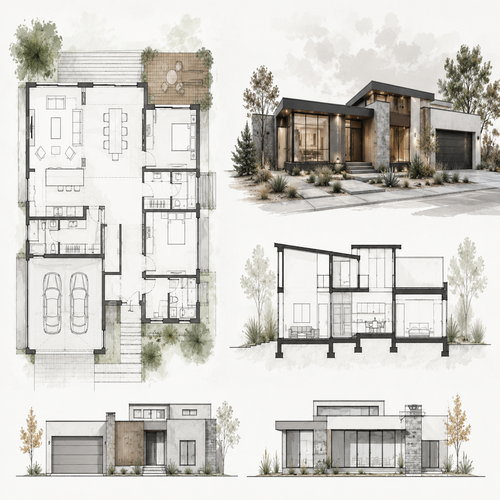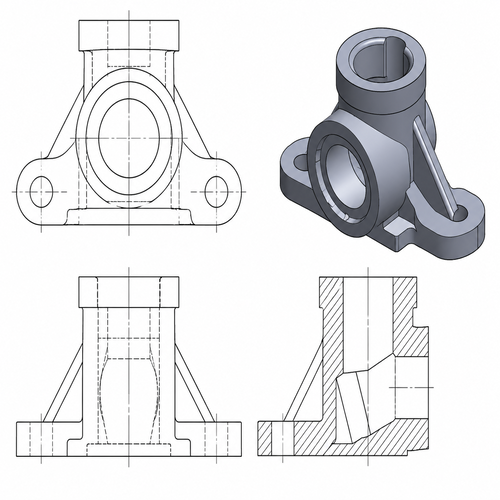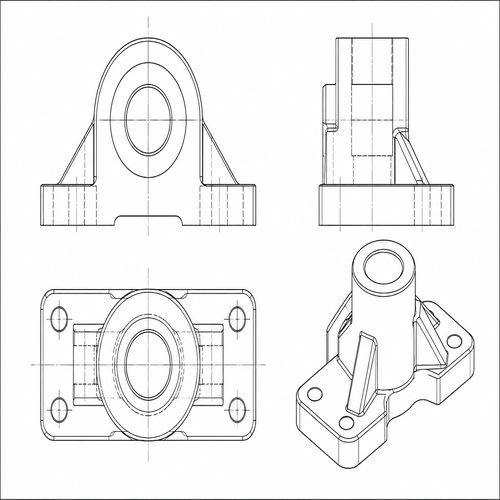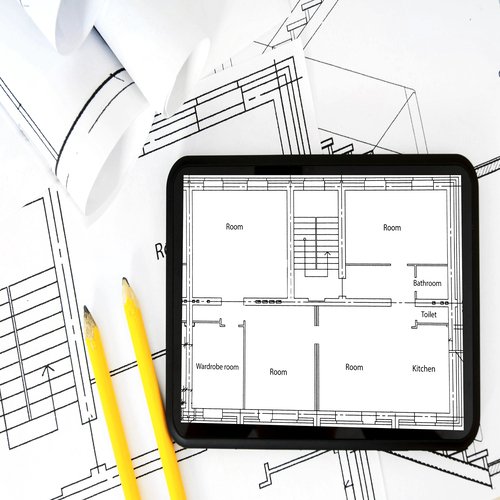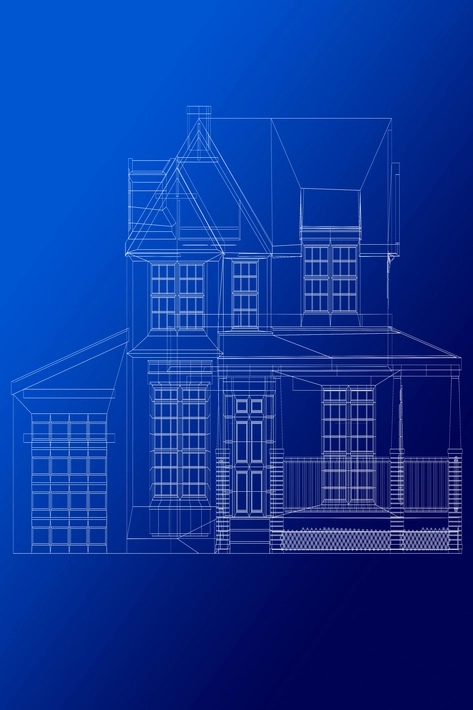
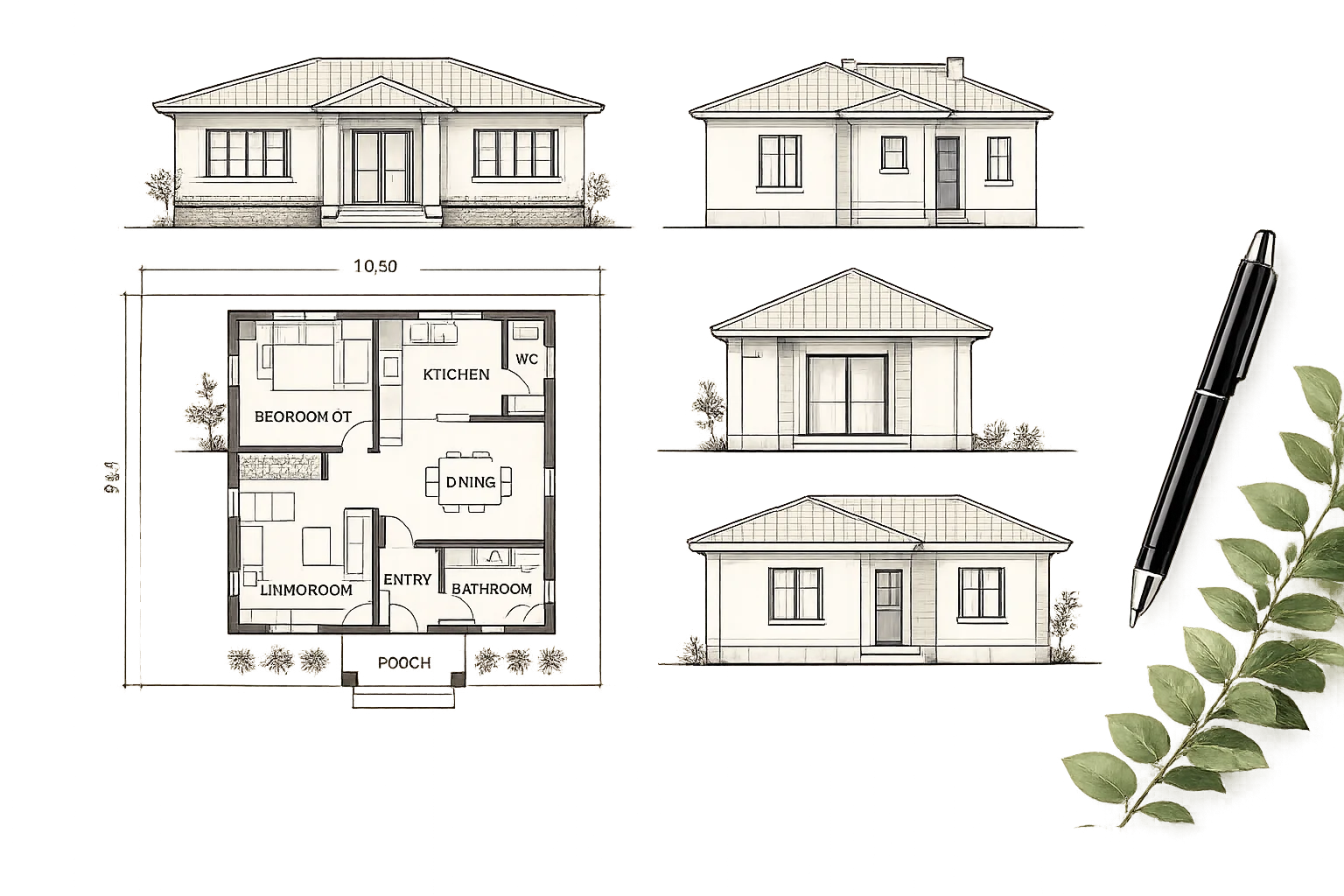
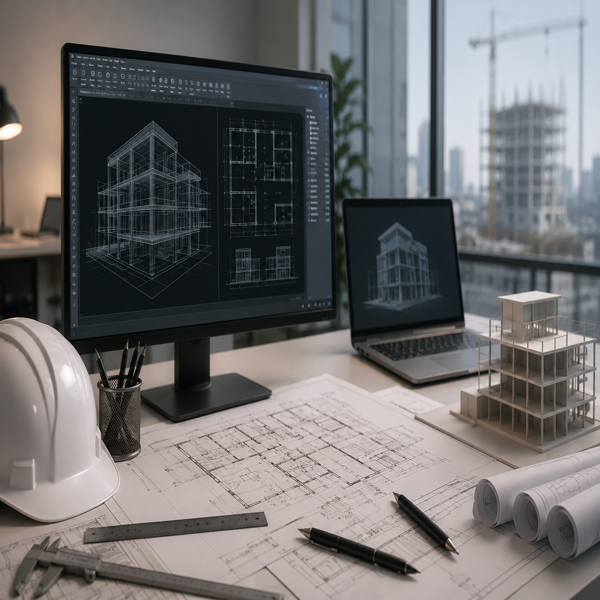
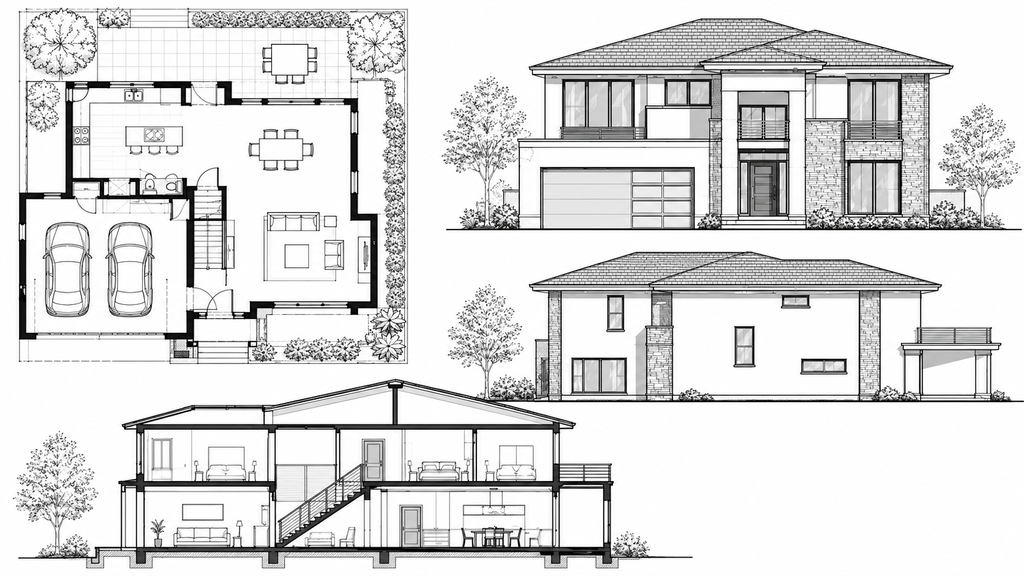
In today’s architecture, engineering, and construction fields, turning hand-drawn sketches, scanned blueprints, or images into precise AutoCAD drawings is a key service. Using Photoshop for image-to-AutoCAD conversion is a smart and efficient way to convert picture-like images into editable CAD files while preserving design details. Photoshop helps improve image quality, remove unwanted marks, adjust brightness and contrast, and prepare the image for precise tracing in AutoCAD. Whether you have old paper drawings, scanned floor plans, or low-quality images, this service turns them into professional CAD drawings that are easy to work with, share, and use for future projects.
Photoshop is commonly used to prepare images before converting them to AutoCAD files. It helps make the original image clearer and more accurate. Scanned drawings often have issues such as dark spots, blurry lines, smudges, or faded areas, making it hard to convert them directly. Photoshop helps fix these problems so that each line and detail in the image is easier to see.
By adjusting brightness, contrast, and resolution, and removing excess noise, Photoshop prepares the image for accurate tracing in AutoCAD. This helps reduce mistakes and improve the quality of the final CAD file.
Our Image-to-AutoCAD Conversion service uses a step-by-step process to ensure accurate, high-quality results. First, we look at the image or scanned drawing to understand how it looks and how complicated it is. Then, we use Photoshop to improve the image by removing any extra marks and making the important lines clearer. Once the image is ready, we carefully trace and redraw it in AutoCAD. We organize all measurements, layers, notes, and symbols according to industry standards. This makes the final file easy to edit and change later.
We can convert various types of images, including:
Choosing a professional image for the AutoCAD conversion service has many benefits. It saves time by not requiring you to redraw everything from scratch and helps ensure more accurate results. The converted CAD files can be resized, edited, and used with today’s design tools.
Additionally, businesses and professionals can keep old drawings in digital format, making them easier to store, share, and update later. High-quality CAD files also help teams of architects, engineers, contractors, and project managers work together more effectively. Our team ensures the converted drawings have the correct layers, measurements, and formatting. No matter how complex your image or blueprint is, we ensure the final AutoCAD file matches your project needs and professional standards.
Image-to-AutoCAD conversion using Photoshop is a great way to turn scanned images, hand-drawn sketches, and old blueprints into precise, editable CAD files. By using Photoshop to improve image quality and AutoCAD for precise drafting, we create clear, professional, industry-standard drawings that make your work easier and more efficient. If you need a dependable service to convert your images or blueprints to AutoCAD format, our team of experts can deliver accurate, fast, and high-quality results that meet your specific requirements.
We can convert various image formats, including JPG, PNG, PDF scans, hand-drawn sketches, blueprints, and scanned architectural or engineering drawings into accurate AutoCAD (DWG/DXF) files.
Our conversion process focuses on precision and detail. We carefully trace and recreate the drawing in AutoCAD while maintaining the original dimensions, proportions, and annotations. If dimensions are provided, we can ensure scale accuracy as well.
You will receive editable AutoCAD files in DWG or DXF format. We can also provide PDF versions or other formats upon request.
The turnaround time depends on the complexity and size of the drawing. Simple drawings can often be completed within a few hours, while larger or more detailed projects may take 1–3 business days. We always aim to deliver high-quality results within the agreed timeframe.
Loading...